
Last reviewed September 2026.
Digital eye strain is real, but blue light is not considered its main cause. Screen work combines sustained near focus, reduced and incomplete blinking, tear-film instability, glare, small text, posture, and sometimes an outdated prescription. These factors can produce dryness, burning, temporary blur, difficulty refocusing, headaches, and neck or shoulder tension. Current randomized evidence has not shown that blue-filtering spectacles consistently relieve those symptoms better than clear lenses. The more useful approach is to identify what is being stressed—ocular surface, focusing system, visual environment, or posture—and change the part of the setup that is contributing.
What is digital eye strain?
Digital eye strain is a group of recurring ocular and visual symptoms associated with viewing digital devices. It is also called computer vision syndrome, although the newer term is broader: phones, tablets, editing monitors, and laptops can all be involved.
Symptoms often fall into two overlapping groups. Ocular-surface symptoms include dryness, burning, grittiness, watering, or irritation. Visual and focusing symptoms include temporary blur, difficulty changing focus from near to far, headache, and a sense of tired eyes. Musculoskeletal symptoms such as neck and shoulder tension commonly travel with them.
The TFOS Lifestyle report on the digital environment describes digital eye strain as multifactorial. Reduced blink rate and completeness, uncorrected refractive error, binocular-vision issues, task demand, display position, glare, size, and brightness can all contribute. There is no single cause and therefore no single universal fix.
Why do focused screen tasks change blinking?
Blinking restores and redistributes the tear film across the eye. During visually demanding work, people often blink less frequently and complete fewer full blinks. The exposed tear film can then become unstable, contributing to dryness and fluctuating vision.
This is not uniquely a blue-light effect, or even uniquely a screen effect. In a controlled study comparing reading from a printed book with reading from a tablet, both tasks reduced blink rate and increased discomfort. Concentrated near work itself changes behavior.
Screen height can add another variable. A high display may expose more of the ocular surface than a slightly downward gaze. Air conditioning, heating, low humidity, contact lenses, and pre-existing dry eye can amplify the same problem.
Which factors commonly sit behind each symptom?
| Common symptom | Possible contributor | Practical response |
|---|---|---|
| Dryness, burning, or grittiness | Reduced or incomplete blinking, airflow, contact lenses, dry-eye disease | Take blink breaks, move direct airflow, review persistent symptoms with an eye-care professional. |
| Temporary blur or slow refocusing | Sustained near focus, small text, uncorrected prescription, binocular demand | Increase text size, create distance breaks, and keep vision correction current. |
| Glare or squinting | Reflections, bright windows, mismatched display and room brightness | Reposition the display, control reflections, and set comfortable brightness and contrast. |
| Headache | Visual demand, posture, glare, focusing issues, or a non-visual cause | Change the work pattern and seek assessment if headaches recur or intensify. |
| Neck and shoulder tension | Display height, viewing distance, laptop posture, static work | Raise or reposition equipment, support the arms, and take movement breaks. |
This table is a starting point, not a diagnosis. Similar symptoms can have different causes in different people.
Is blue light the main cause of screen discomfort?
The best available trials do not support that conclusion.
In a double-masked randomized study, 120 symptomatic computer users wore either blue-blocking or clear placebo lenses during a two-hour computer task. The researchers found no significant difference in symptoms or an objective visual-fatigue measure between the lens groups.
The broader 2023 Cochrane review included 17 randomized controlled trials involving 619 adults. It concluded that blue-filtering lenses may not reduce short-term computer-related eye strain compared with non-filtering lenses. Trial quality and follow-up were limited, but the evidence does not justify a promised eye-strain benefit.
Blue-rich light can be relevant to circadian timing in the evening. That is a separate biological question. A wavelength can influence the body clock without being the cause of dry eyes after a day of concentrated work.
Does screen discomfort mean the eye is being damaged?
Usually, no. Discomfort and tissue injury are not interchangeable.
Ordinary screens can be associated with temporary symptoms, but measured emissions remain far below established retinal photochemical hazard limits under normal use. A study of computers, tablets, lamps, and other common sources found that none approached those limits, even with extended viewing assumptions. The study is available in the journal Eye.
The International Commission on Illumination likewise distinguishes ordinary white-light exposure from the intense sources associated with true blue-light hazard. Temporary dryness or fatigue deserves attention, but it should not be turned into a story about a screen burning the retina.
Which screen habits are worth trying?
- Break the near-focus pattern. Look across the room or farther away at regular intervals.
- Blink deliberately. A few slow, complete blinks can be more useful than rapid partial blinking.
- Make text easier to read. Increase type size instead of leaning closer to the display.
- Control reflections. Change the screen angle or move bright lamps and windows outside the direct line of sight.
- Match the room and display. Avoid a brilliant display in a dark room or a dim display fighting strong backlight.
- Build a stable workstation. Use a comfortable viewing distance, relaxed shoulders, and a display position that does not force the head forward.
- Move. Short posture and walking breaks address the physical component that eyewear cannot.
- Keep prescriptions current. Small uncorrected errors can become noticeable during long, precise tasks.
Persistent dryness may require individualized care. Artificial tears, contact-lens changes, or treatment for an ocular-surface condition should be discussed with an eye-care professional rather than selected from a general article.
Does the 20-20-20 rule work?
The rule—every 20 minutes, look about 20 feet away for 20 seconds—is easy to remember, but its evidence base is smaller than its popularity suggests.
In a study of 29 symptomatic computer users, reminder software increased the number of breaks and reduced reported digital-eye-strain and dry-eye symptoms over two weeks. It did not materially change most measured tear-film, ocular-surface, or binocular-vision signs, and the symptom improvement was not maintained after reminders stopped. The results are available in Contact Lens & Anterior Eye.
The practical lesson is not that 20 seconds is a biological threshold. It is that regular interruption of sustained near work may help some people. A schedule that can be followed consistently is more useful than a perfect rule that is ignored.
When should symptoms be professionally assessed?
Book an eye examination when symptoms are persistent, increasingly frequent, present away from screens, or interfering with work. Recurrent headaches, double vision, significant light sensitivity, or blur that does not clear after a break also deserve assessment.
Sudden vision loss, severe eye pain, a new curtain or shadow in vision, or a sudden shower of flashes and floaters requires prompt medical attention. Those are not ordinary digital-eye-strain symptoms.
Where does eyewear fit into the routine?
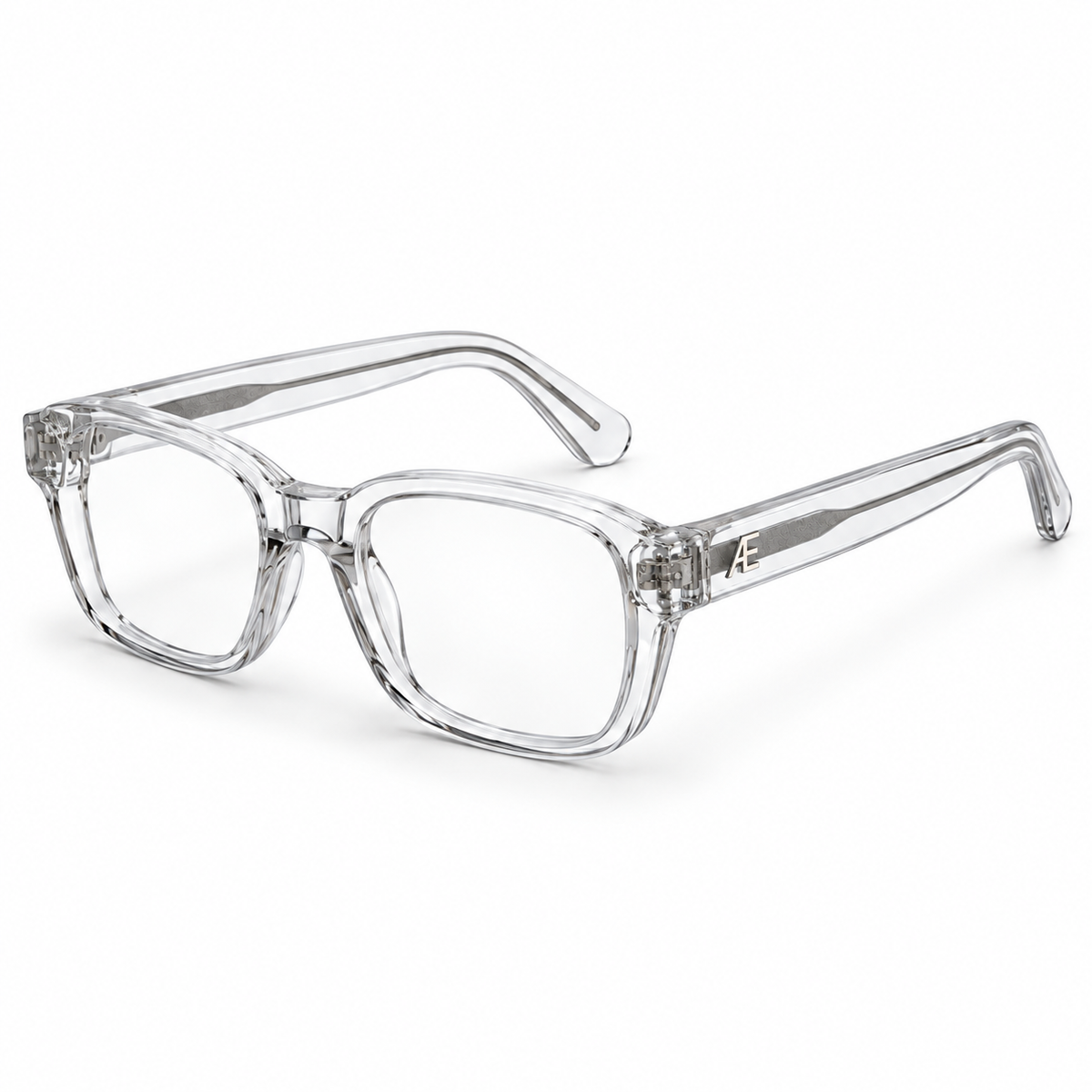
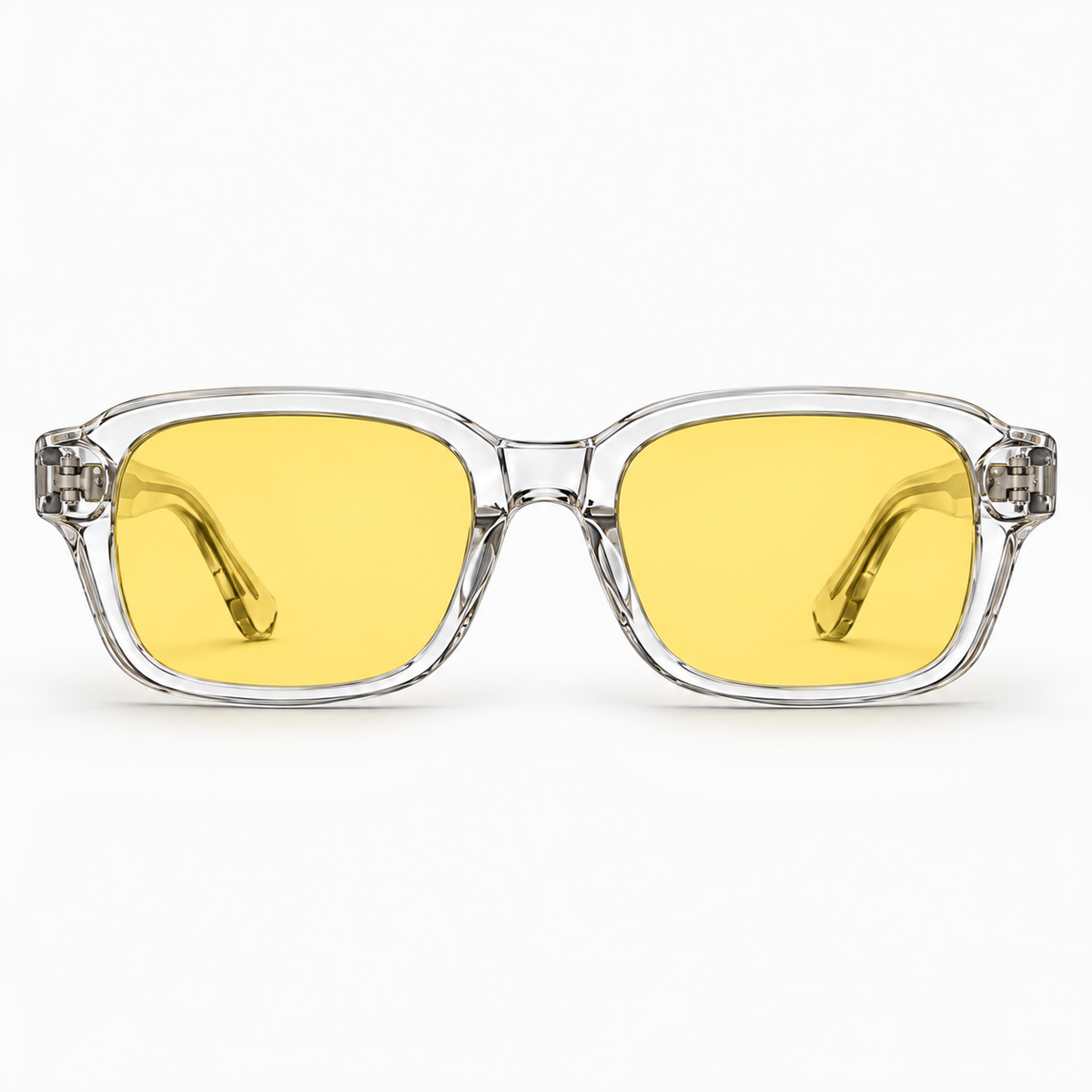
The first job of eyewear is clear, comfortable vision with the correct prescription when one is needed. Frame fit, lens quality, reflections, tint, and personal visual preference can influence how a pair feels in daily use. None of those details should be turned into an unsupported medical promise.
The ATÉN lens system is designed around different modern routines. It is not positioned as a treatment for digital eye strain, dry eye, headache, or eye disease. “Designed for long days at a screen” describes the setting. It does not promise what the lens will do to the wearer.
Digital eye strain is best understood as a systems problem. The eyes, display, room, posture, task, and work pattern all participate. Good design begins by seeing the whole system.
Explore ATÉN
See how ATÉN separates lens properties from symptom claims in the lens guide, then explore the ATÉN collection.

Leave a comment
All comments are moderated before being published.
This site is protected by hCaptcha and the hCaptcha Privacy Policy and Terms of Service apply.